1. Choose your starting point
Bring one typical workflow, the people involved and a current record. Agree the goal and capture the starting situation.
Start with one workflow, involve your team and test before expanding.
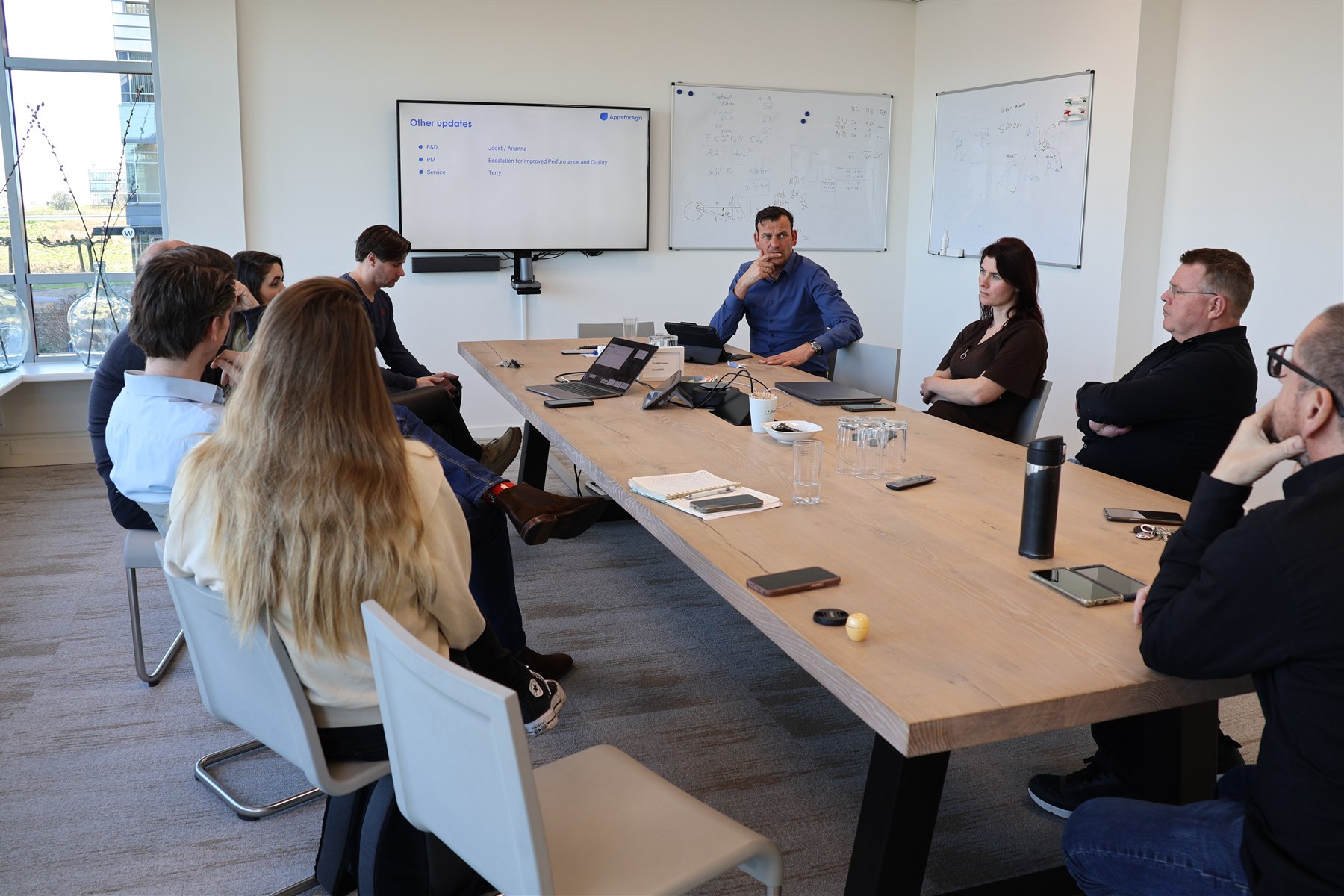
Bring one typical workflow, the people involved and a current record. Agree the goal and capture the starting situation.
Agree roles, source data, branding, imports and integrations. Define who records, reviews and follows up the work.
Train users on their own work, including the handover to colleagues. Assess adoption and record quality before expanding.
Resolve the pilot findings and agree support, responsibilities and review moments for the next step.
Your rollout plan defines the scope, timing and people responsible for configuration, training, data and support.
A focused first rollout has a defined process, a named team and a practical evaluation.
| Starting point | Your team brings | The plan defines |
|---|---|---|
| One working process | A typical visit, recommendation, order or production record. | The first workflow, selected modules and what is outside this first step. |
| A representative group | A process owner and the colleagues who will use iCrop. | User roles, configuration, training and support responsibilities. |
| Relevant records | Example data and an overview of your existing systems. | Import checks and whether an interface is needed for this first workflow. |
| A useful evaluation | Your current process and the improvement you want to assess. | Measures such as recording time, completeness and completed follow-up; a review point and the decision on expansion. |
Before work begins, the proposal and rollout plan specify the investment, milestones and responsibilities. The schedule follows the selected workflow and any data or integration work.
Timing depends on the scope, data, integrations and the people involved. Agree a rollout plan after defining the first workflow. We do not assume that every organisation needs the same implementation.
Yes. iCrop Teams and Enterprise support a white-label app and web workspace, with your own name, logo and visual identity. Agree the branding assets, app and web presentation, and rollout during scoping.
A typical workflow, an outline of the roles involved, the systems you use and a representative record or order. That gives the demonstration a useful starting point.
Agree both the business workflow and the responsibilities needed to operate it.
Map import requirements, source systems and the agreed API connections.
Integrations & securityChoose cloud or on-premise, define user roles and review the relevant data arrangements.
Security & hostingInclude helpdesk scope, training, review moments and expansion in the service discussion. Agree responsibilities and cadence in the proposal.
Bring a typical visit or order, the people involved and your existing systems. Agree what the first group will evaluate before expansion.