Spend time advising, not writing up visits
Capture findings and recommendations during the visit. Keep the record with the client instead of rebuilding it at the end of the day.
Give your advisory practice room to grow. Keep observations, recommendations and agreements in the client record, ready for you and your team at the next visit.
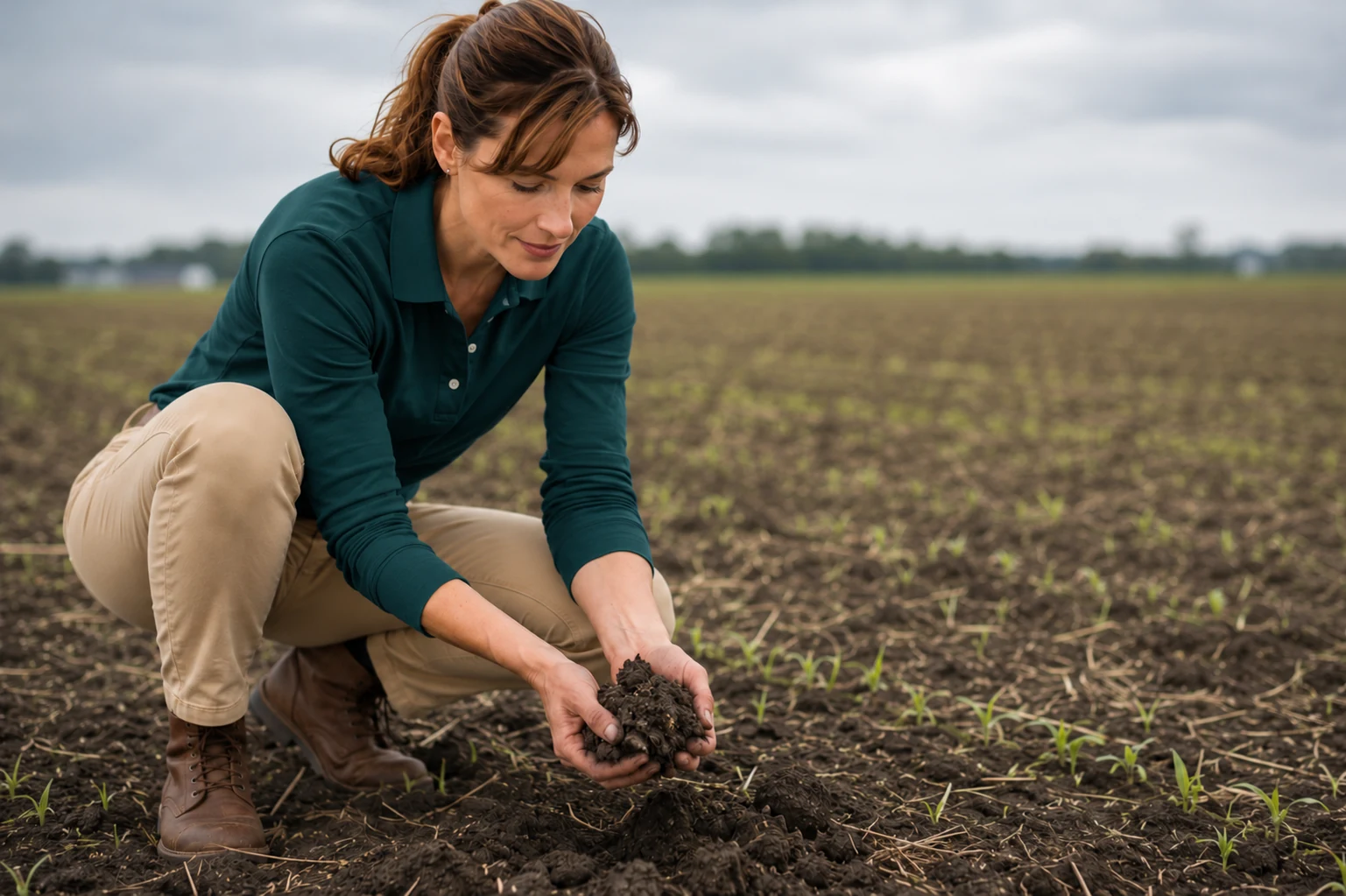
Capture findings and recommendations during the visit. Keep the record with the client instead of rebuilding it at the end of the day.
Show the findings, reasoning and follow-up behind your service. Give clients a clearer view of the work they pay for.
Give colleagues the client history and the reasoning behind previous advice. Build on expertise instead of asking the client to repeat the story.
See how to prepare a visit, record your advice and pick up the thread at the next appointment.
Review previous findings, photographs and recommendations before entering the field.
Keep the observation, photo, advice and next action together. Use text, photos or voice; AI Assist can propose structured records for the agronomist to review.
Share the relevant advice with the grower through the agreed workflow. At the next visit, the agronomist or covering colleague has the recorded context.
Compas Agro uses iCrop. The independent advisory business combines crop advice, field research and practical support for growers.
View the Compas Agro profileStart with your advisory service and agree how records, roles and follow-up should support it. Choose the modules relevant to your practice.
Grower participation is configured around the agreed service. Define which advice and records growers can view or contribute to, and how they receive them.
Use a representative visit to compare preparation, capture, review and reporting with your current process. Agree the starting scope, training and review moments.
Agree a representative workflow, starting users, training and review moments. Your proposal defines the modules, setup, responsibilities and any integrations.
Implementation & adoption Integrations & security Security & access Packages & investment
See the actual iCrop output: agronomist details with BASIS and FACTS fields, product and crop information, and a job sheet for application records.
View the example reportsWe’ll show how iCrop fits a workflow your team wants to improve.