iCropby AppsforAgri
Request a demo
EN
Home / Who it’s forFOOD PRODUCTION & GROWER NETWORKS

Control your crop operation.
From field to production record.

Whether you grow your own crops, work with contracted growers or combine both: connect fieldwork, crop records and team follow-up. Keep the information for quality checks, traceability and reporting together.
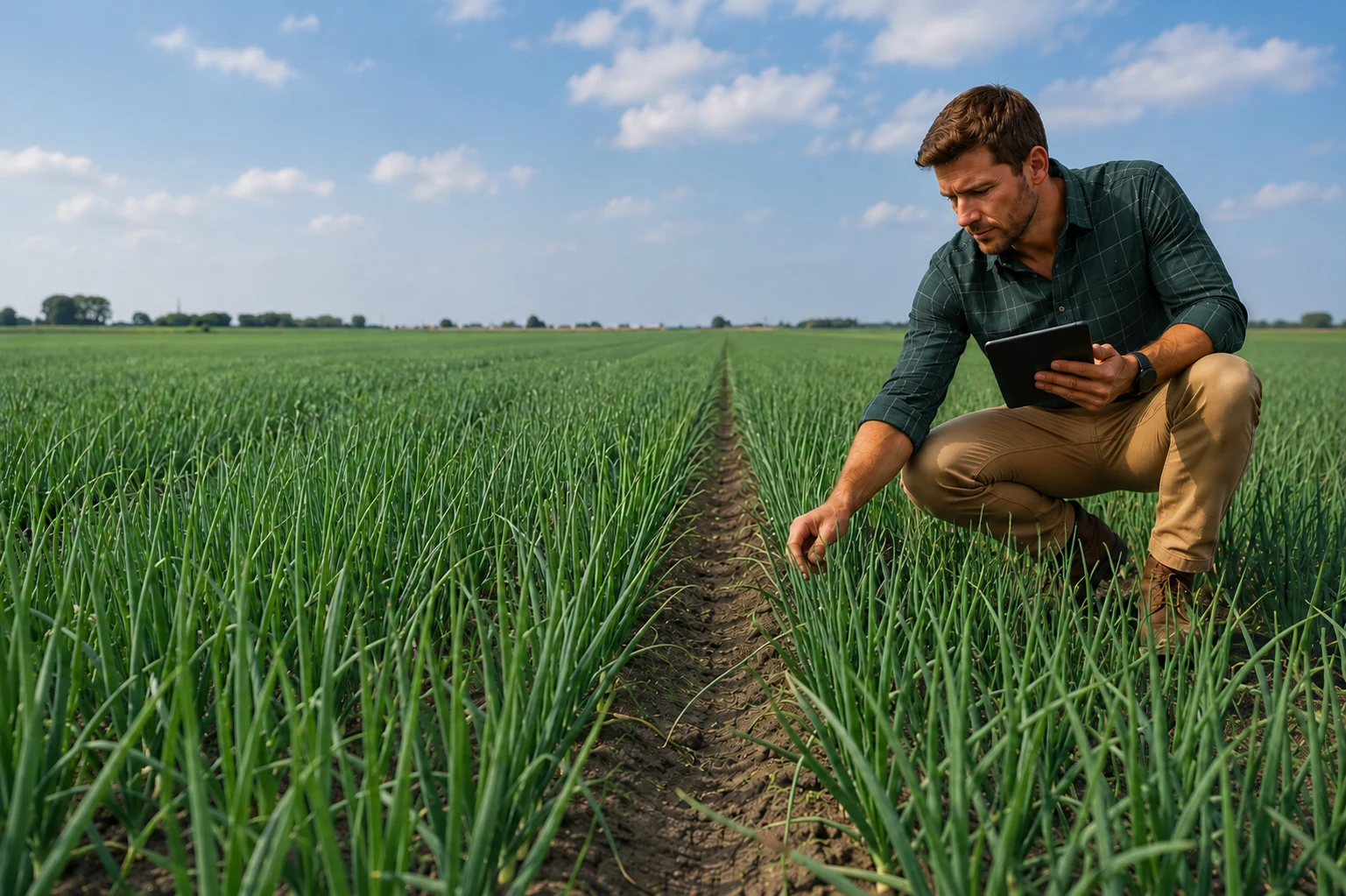
Illustrative scene: an agronomist reviewing an onion crop
YOUR PRODUCTION CONTEXT

Your own crops, contracted production or both.

Your own crop production

Coordinate your own field teams and production locations.

Contracted growing

Agree which checks and records your team and contracted growers provide.

A combined production operation

Use one record structure across your own crops and contracted production.

Seed production: field inspections and crop records
VALUE FOR YOUR ORGANISATION

One shared record for your crop operation.

Make decisions with the crop in view

See observations, photographs and recorded operations per field and crop season.

Coordinate work across your teams

Give field teams and office colleagues clear tasks and responsibilities.

Have the records behind your quality checks ready

Retrieve the records needed for reporting, traceability and agreed customer requirements.

Gourmet
GOURMET IN PRACTICE

From fragmented data to a shared crop record.

The challenge
The previous cultivation application was often unstable and data recording was cumbersome. Retailer requirements added administration.
Using iCrop
The cultivation team captures grower and crop-protection information centrally in iCrop.
What changed
Evert Bakker describes information being readily available, quicker responses to crop issues and simpler administration around spray plans.

From the interview of

Read the Gourmet story
ONE RECOGNISABLE WORKFLOW

From a crop check to coordinated fieldwork.

Example: your field team spots uneven crop development.

Illustrative screen examples with fictional demo data.
01 / 03

Record at the right field and crop

Keep the observation and photograph connected to the crop and season.

Illustrative screen examples with fictional demo data.
02 / 03

Agree and assign the next action

Record the field task, responsible person and next check. Review which work still needs to happen.

Illustrative screen examples with fictional demo data.
03 / 03

Keep the record for your organisation

Retrieve findings and crop operations per production location, field and season for the required reports.

CERTIFICATION & SUSTAINABILITY

Records that support
your commitments.

Support GLOBALG.A.P. records and SAI/FSA sustainability programmes. For UK production, include relevant Red Tractor records. Connect daily fieldwork with your programme’s reporting needs.

Netherlands: FarmMaps (WUR) and BO Akkerbouw’s BMA connect crop data with biodiversity reporting.

Certification & sustainability
PRACTICAL QUESTIONS

Make the next step clear.

Who records the information?

Your cultivation team, field staff and quality colleagues. Agree access and responsibilities, including contracted growers where relevant.

Can we include harvest, irrigation and quality records?

Harvest and irrigation are available modules. Agree the records your quality process needs. Software supports record-keeping; certification depends on the standard, setup and evidence.

How do we introduce this to the team?

Start with one workflow and a pilot group, with agreed training, roles and review moments.

Implementation & adoption Integrations & security Security & access Packages & investment

YOUR NEXT STEP

Bring one crop, field task or production report.

See how your team can record fieldwork, coordinate the next action and retrieve the supporting records. For your own production, contracted growing or a combination of both.

Start with one workflow

Choose one representative process and a small group. Define the records, training and evaluation before expanding.

See what the first rollout involves

Just a question? Ask us

iCrop product view

Screens show fictional demo data.

Mobile app · Fictional demo data

Screens show fictional demo data.